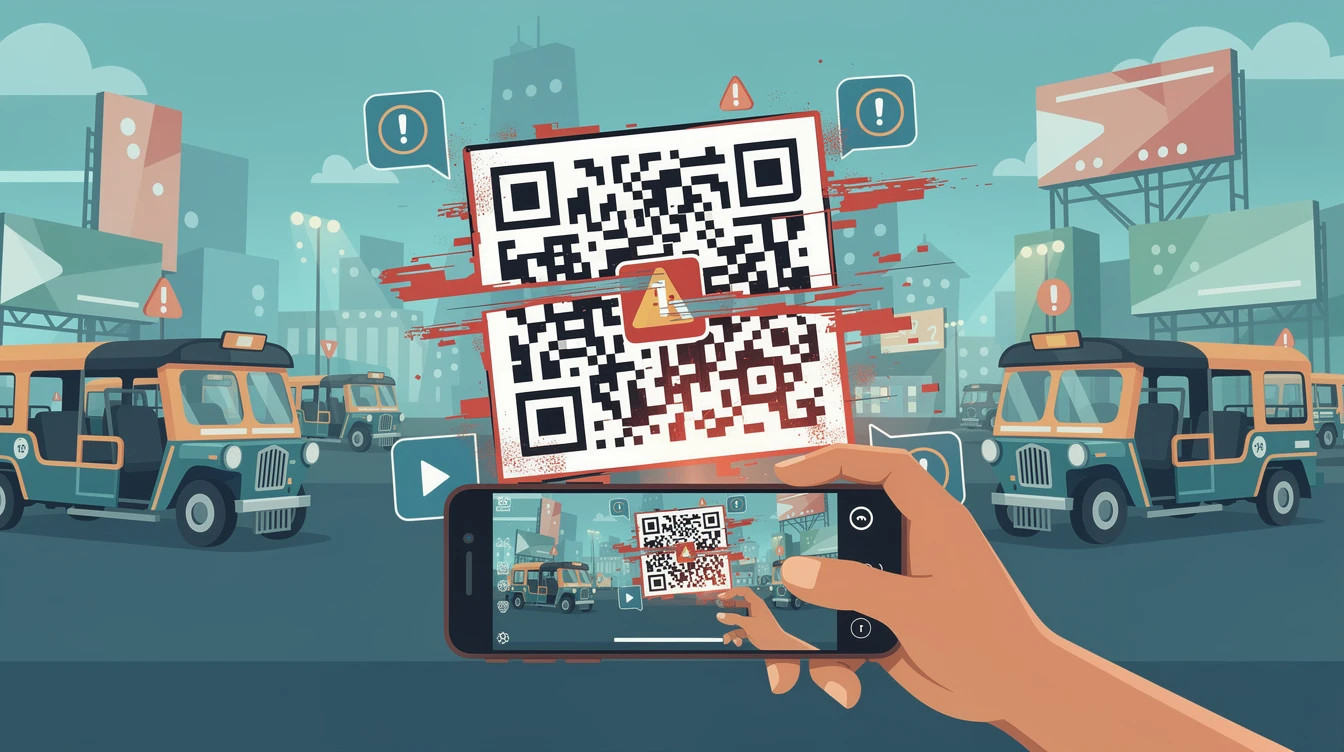
Cybersecurity experts are warning the public about a growing wave of QR code scams in the Philippines. These attacks, known as quishing, trick victims into scanning fake codes that lead to malicious websites. The Philippine National Police Anti-Cybercrime Group has recorded an increase in complaints involving QR codes used in parking lots, restaurants, and public advertisements.
What Is Quishing?
Quishing is a form of phishing that starts with a fake QR code. Short for quick response code, QR codes are square barcodes that smartphones can scan to open a link. Scammers replace legitimate codes with their own, often in high-traffic areas.
According to cybersecurity firm Proton, quishing attacks are on the rise because QR codes all look the same to the human eye. "Virtually anyone can make a QR code, and they can be placed anywhere," the company said in a safety guide published on its website. "Because people are often in a hurry when scanning, they rarely check if the link is real."
How Scammers Use QR Codes in the Philippines
Parking Lots
In several Metro Manila cities, scammers have placed fake QR stickers over legitimate ones used by parking operators. When a driver scans the fake code, they are taken to a cloned payment page that captures their credit card details. The Land Transportation Office has not released official figures but confirmed it is investigating reports.
Posing as Government Agencies
Scammers also send emails that appear to come from agencies like the Bureau of Internal Revenue or the Philippine Statistics Authority. The emails include a QR code that claims to lead to a tax refund or ID verification page. Instead, the code directs victims to a phishing site that steals login credentials.
Public Advertisements
Fake QR codes have been found on posters and billboards in shopping malls and bus stops. Some are placed over real ads for products or services. When scanned, they may install malware or redirect to pages that ask for personal information.
Why QR Scams Are Dangerous
QR codes themselves are not harmful, but the links they contain can be. Because scanning a code is fast and easy, people often let their guard down. Cybersecurity firm McAfee notes that QR scams are particularly effective because they bypass the usual caution people use when clicking links in emails.
"QR codes are simply a shortcut to a URL," the firm said in a blog post about quishing. "Treat them the same way you would treat a link from an unknown sender."
How to Protect Yourself From QR Code Scams
Treat QR Codes Like Links
Experts advise users to inspect the URL that appears after scanning a QR code before proceeding. If the link looks suspicious or contains typos, do not open it. Most smartphones show a preview of the link before the page loads.
Avoid Entering Sensitive Information
Never enter passwords, credit card numbers, or personal identification numbers into a page that you reached through a QR code. If the page asks for such data, it is likely a scam. Legitimate parking payment systems or government portals will not ask for sensitive information through a QR code alone.
Use Mobile Security Software
Installing a reputable mobile security app can help block known phishing sites. Some apps also scan QR codes before opening them and alert the user if the link is dangerous.
Type Web Addresses Yourself
When possible, type the website address manually instead of scanning a QR code. This is especially recommended for payments or logins. The University of Illinois at Chicago IT Security department advises users to "ask for alternatives to using a QR code, such as a paper menu or another method of accessing the site."
Check for Tampering
Before scanning a QR code in a public place, examine it for signs of tampering. Stickers placed over an original code, or codes that appear misaligned, should raise suspicion. Report suspicious codes to the establishment's management.
What to Do If You Are Scammed
If you believe you have scanned a fake QR code and entered personal information, act quickly. Change the passwords for any affected accounts immediately. Contact your bank or credit card provider to freeze transactions and monitor for fraud.
Report the incident to the Philippine National Police Anti-Cybercrime Group through their hotline or website. The National Privacy Commission also accepts complaints involving data breaches resulting from scams.
Government Response
The Department of Information and Communications Technology has issued a public advisory urging vigilance against quishing. In a statement, the DICT reminded citizens that "QR codes are not inherently secure, and the public should verify the source of any code before scanning."
Local government units in some cities have started inspecting parking facilities and removing suspicious stickers. However, no nationwide crackdown has been announced as of this writing.
Cybersecurity experts expect quishing attacks to continue rising as more businesses and government agencies adopt QR codes for contactless transactions. Vigilance and basic digital hygiene remain the most effective defenses.